
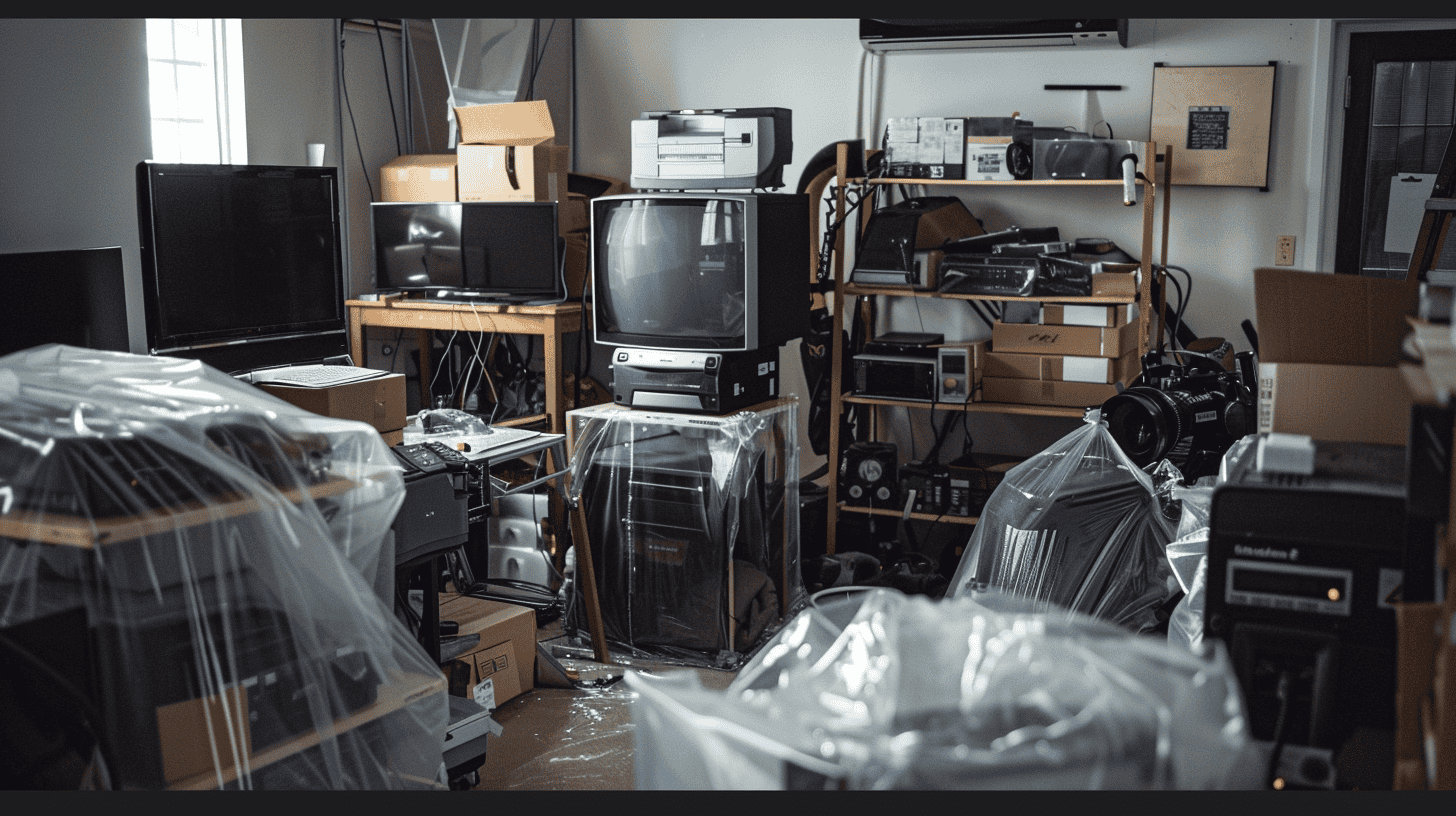
Bed bug heat treatment usually does not damage electronics, provided each device is switched off, unplugged and kept out of the heaters' direct path. The worry still makes sense: a crew is about to heat your home far past room temperature while your TV, laptop and game console sit inside.
The real risk lives in the gap between two limits. Treatment air runs well above the maximum storage temperature that makers such as Apple list for phones and laptops, and lithium-ion batteries are the parts that tolerate that heat worst.
Does Bed Bug Heat Treatment Damage Electronics?
Bed bug heat treatment damages electronics only when the heat a device receives exceeds what it was built to handle, so a few items need extra care. That margin depends on how hot your company runs the treatment, how close the device sits to a heater, and what the manufacturer says the device can tolerate.
What Is a Bed Bug Heat Treatment?
A bed bug heat treatment is a professional method that uses heaters and fans to raise the temperature of a room or a whole home until bed bugs and their eggs die. For the full process, read the guide to bed bug heat treatment in Canada.
How Hot Does a Bed Bug Heat Treatment Get?
A bed bug heat treatment has to bring every hiding spot to about 50°C (122°F) or more, a temperature that generally kills bed bug eggs, according to Virginia Tech's extension entomologists. Adults and nymphs die at about 48°C (118°F). The problem is that cracks, baseboards and the inside of furniture heat up slowly, so the air in the room has to be much hotter than that.
Researchers Kells and Goblirsch reported in 2011 that companies target 45 to 52°C in the spaces where bed bugs hide, while the air in a treated room may approach 55 to 65°C. Orkin Canada says its process typically holds room air at about 57 to 60°C (135 to 140°F), and a British Columbia company's prep sheet gives about 60°C (140°F). Virginia Tech notes that many technicians aim for about 57°C (135°F) and leave the heaters running for 4 to 5 hours.
How Hot Can Electronics Safely Get?
Electronics are generally rated for lower temperatures than a heat treatment produces. Apple, for example, says iPhones and iPads are designed for use between 0 and 35°C and should be stored between -20 and 45°C. Its 16-inch MacBook Pro (2021) has the same 45°C maximum storage temperature. Apple also warns that using a device in very hot conditions can permanently shorten battery life.
A device that is switched off is in "storage" mode, so the storage limit is the number to compare. Treatment air is usually above that 45°C limit. That does not mean every device will fail, but it does mean the risk is real, especially for batteries. Check the manual or the manufacturer's website for the exact limits of your own TV, console or computer.
Why Do Pest Control Companies Disagree?
Pest control companies disagree about electronics because their equipment, temperatures and experience differ. Some say electronics can stay: Wil-Kil Pest Control says its heat will not damage laptops or televisions, and Orkin Canada says it has had no instances of damage while still noting a possible risk to heat-sensitive electronics. Others are more cautious: Cranbrook Pest Control in British Columbia lists computer towers and laptops among the items to remove. Virginia Tech observes that many prep sheets ask you to disconnect electronics and to remove televisions or wrap them in blankets.
The safest rule is simple: follow the preparation list your company gives you, and ask before the treatment day about any device you are unsure of.
Which Electronics Are Most at Risk During Bed Bug Heat Treatment?
Bed bug heat treatment electronics risk is highest for devices with lithium-ion batteries and for anything that sits close to the heaters.
Lithium-Ion Batteries
Lithium-ion batteries are the main concern. Health Canada advises storing them at room temperature, away from extreme temperatures and direct sunlight, and warns against leaving them in a hot car. It also lists overheating, fire and explosion among the hazards of lithium-ion batteries, and says not to use a battery that is swollen or dented. A heated room is a lot like a hot car, so loose batteries, power banks and battery-powered devices are worth taking out.
Computers
Computers combine a battery (in laptops), a screen and a drive that holds your files. Some companies let them stay, while others, like Cranbrook Pest Control, list computer towers and laptops for removal. If your company allows them to stay, it is usually best to shut them down completely rather than putting them to sleep.
Phones
Phones and tablets are easy to take with you, and Apple's own limits (storage up to 45°C) are generally below typical treatment temperatures. Keep them with you, and check them and their cases for bed bugs before you leave the home.
Televisions
Televisions are too big to carry out for most people. Virginia Tech notes that prep sheets often ask for TVs to be removed or wrapped in blankets. Ask your company which option it prefers, and make sure the TV is unplugged.
Smoke Alarms
Smoke alarms and similar safety devices can react to heat. Batzner Pest Control asks clients to point out heat-sensitive fire alarms and sprinkler systems before the treatment so they can be checked. If you live in an apartment or condo, tell your building manager about the treatment date too.
Electronics Near the Bed
Electronics near the bed, such as alarm clocks, bedside speakers and chargers, are among the devices most likely to hide bed bugs, because ports and vents can be big enough for the insects to crawl into, according to Terminix. Bed bugs have also reportedly been found inside printers, computers and control panels. These devices may need to stay in the heated area so the bugs inside are killed, or be inspected and treated separately. The article on whether bed bugs get into electronics explains how to check them.
What to Remove Before Bed Bug Heat Treatment
What to remove before bed bug heat treatment comes from your company's prep sheet, and most sheets cover the same groups: some electronics, meltable items, pressurized items and fragile valuables. Virginia Tech suggests that the company give you its list before the treatment date so you have time to prepare. For the full checklist (laundry, clutter, mattresses), see how to prepare for bed bug treatment.
Electronics to Take Out
Electronics to take out usually include the items your company names, plus anything small and battery-powered that you can easily carry:
- Laptops, phones and tablets
- Loose batteries and power banks
- Cameras, e-readers and handheld game consoles
- Any device your company specifically lists, such as computer towers
Meltable Items
Meltable items can soften, warp or stick together in the heat. Prep sheets from Virginia Tech, Cranbrook Pest Control and Batzner Pest Control commonly list:
- Candles, crayons and anything made with wax
- Lipstick and other cosmetics that can melt
- Prescription and over-the-counter medications and vitamins
- Chocolate, candy and fresh food
- Photographs and photo negatives
- Plastic blinds and soft vinyl items
Pressurized Items
Pressurized items and combustibles appear on the heat treatment prep sheets of Virginia Tech, Cranbrook Pest Control and Batzner Pest Control. Take out aerosol cans, fire extinguishers, propane bottles, unopened soda cans and cigarette lighters.
Heirlooms
Heirlooms and fragile valuables need a conversation with your company. Prep sheets mention antique furniture with fragile finishes or glued joints, valuable paintings and artwork, and stringed musical instruments. Batzner asks clients to point out family heirlooms so the technician can decide whether to treat them.
Inspecting Removed Items
Inspecting removed items is the step people skip most often. Anything you take out could carry bed bugs or eggs and bring them right back after the treatment, as Cranbrook Pest Control warns, and Texas A&M AgriLife Extension advises bagging items until inspected. Ask the technician to inspect removed items, and do not pack them so tightly that air cannot move around them inside the home. If you have animals, read what to do with pets during bed bug treatment.
How Do You Protect Electronics That Stay During Heat Treatment?
Electronics that stay in the home during bed bug heat treatment need to be off, unplugged and out of the direct path of the heaters.
Unplug Everything
Unplug everything that stays, including TVs, consoles, routers, printers and lamps. Virginia Tech notes that prep sheets frequently ask for electronics to be disconnected from outlets. It is usually best to switch devices fully off, not to standby.
Remove Batteries
Removing batteries from remotes, clocks, toys and tools is a cheap precaution, given Health Canada's advice to keep batteries away from extreme heat. Take the batteries with you or put them with the other items you are removing.
Back Up Your Data
Backing up your data costs nothing and protects you if a computer or drive does not survive. Copy important files and photos to cloud storage or to a drive you take out of the home.
Wrap Televisions
Wrapping televisions in a blanket is a common prep sheet request when the TV stays in place. Use a clean blanket, and do not seal the TV in plastic.
Let the Technician Move Equipment
Letting the technician move equipment is often better than doing it yourself. Wil-Kil tells residents not to move electronics, because its crew moves them out of the direct heat path. Virginia Tech also warns that heavy cleaning and moving clutter right before a treatment may scatter bed bugs to new spots.
Questions to Ask the Company
Questions to ask the company before the treatment day help you plan. Ask:
- What temperature will the room air reach, and for how long?
- How do you monitor the temperature in each room?
- Which electronics can stay, and which should I remove?
- Will your crew move or cover the TV and computer?
- How will you inspect the items I take out?
More ideas are in these questions to ask a bed bug exterminator.
If you are still choosing a company, you can get a quote from a recommended local exterminator through Pest Agent's referral form.
How Do You Check Electronics After Bed Bug Heat Treatment?
Checking electronics after bed bug heat treatment starts with letting them cool to room temperature before you switch anything on.
Let Devices Cool Down
Letting devices cool down matters, since Wil-Kil warns the home may still be warm when you return, and Purdue University Extension notes temperatures only return to normal after the treatment. Health Canada advises keeping lithium-ion batteries at room temperature, so wait until a device feels cool to the touch before you plug it in or turn it on.
Look for Physical Damage
Looking for physical damage takes a minute per device. Check for warped plastic, a bulging case or a swollen battery, and stains or marks on screens. Do not use or charge any device with a swollen battery, as Health Canada warns damaged batteries can short circuit.
Test Each Device
Testing each device one at a time makes it easier to spot a problem. Power it on, check the screen, sound and charging, and watch for unexpected shutdowns or error messages. If something does not work, note it and tell the company right away.
If Bed Bugs Were Inside a Device
If bed bugs were inside a device, a properly run heat treatment should have killed them along with everything else in the room. If you see live bugs coming out of an electronic device after treatment, put it in a sealed bag and contact the company that treated your home. The next steps are covered in what to do after bed bug treatment.
Bed bugs that show up again weeks later have other possible causes, explained in why bed bugs come back after treatment.
Owners of many sensitive devices who are still choosing a method can weigh heat vs chemical treatment.
Prices for this method, as reported by companies, are compared in the cost of bed bug heat treatment.
Frequently asked questions
Can bed bugs live inside electronics?
Yes. Bed bugs can crawl into ports and vents, and they have reportedly been found inside alarm clocks, speakers, printers and computers. Devices close to the bed are the most likely to hide them.
Can I put electronics in a bed bug heat chamber?
Some pest control companies use heat chambers to treat individual items and describe them as safe for most items, including electronics. Ask the company what temperature the chamber reaches and check it against your device's storage limit first.
Will bed bug heat treatment damage my furniture?
Most furniture comes through a heat treatment fine. Researchers note that excessive temperatures or very long treatments can raise the risk of damage, and prep sheets often ask you to point out antique furniture with fragile finishes or glued joints.
Should I take my laptop with me during heat treatment?
Taking your laptop is a good idea if your company allows it, because it has a lithium-ion battery and holds your data. Inspect it and its bag carefully before you leave so you do not carry bed bugs to another place or back home.
How long do I stay out of my home during a heat treatment?
Plan to be out for most of the day. Companies report that treatments can take many hours, and some ask residents to stay out for longer. Your company will tell you when it is safe to return.
Dealing with bedbugs right now?
Answer a few short questions and we pass your request to a pest control company ranked near you.
Get a free quote